

Professional film production camera in a cinematic production space
ReelDeck film reel logo
ReelDeck
Create • Pitch • Impress
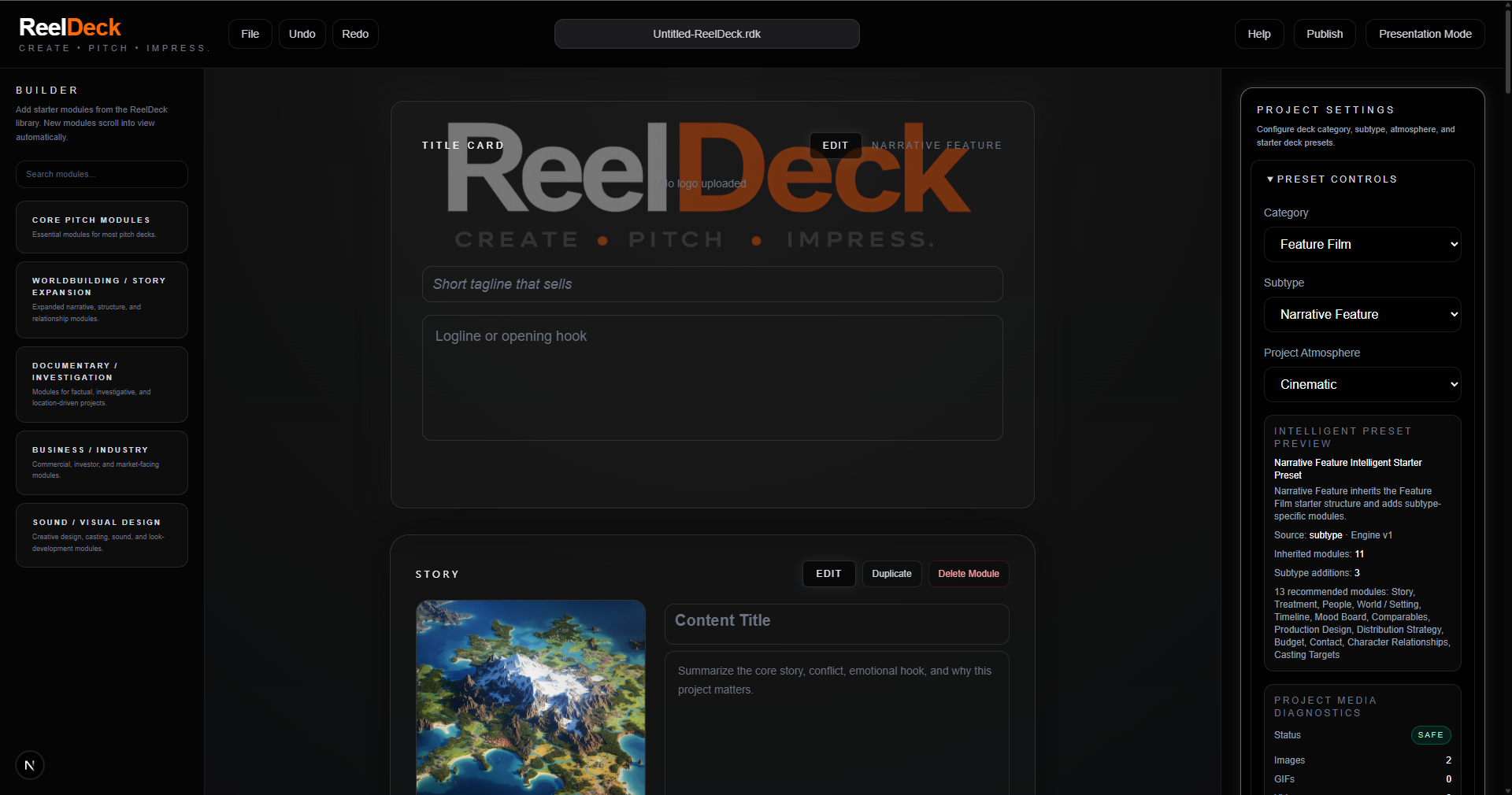
Desktop-first pitch-building software

Put a little Hollywood into everything you pitch...

Stop sending documents people skim and start creating interactive projects people remember.

Desktop-First
Projects are created and edited in the installed ReelDeck desktop app.
Secure & Trusted
Email verification, license recovery, signed installer readiness, and clear safeguards.
Direct Access
Accounts, licensing, downloads, recovery, and release notes.
Publish With Control
Host and share your projects without losing ownership or control.
Real Support
Get help from a team that understands creative workflows.

Ideas are invisible. Opportunity is not.

Traditional pitch decks explain. ReelDeck submerges people into interactive presentations, visual storytelling, production planning, and cinematic project organization that transforms ideas into opportunities others can understand, trust, and believe in.

Story Development ReelDeck feature image
Story Development
Shape the idea until it feels ready for the room.
Visual Pitching ReelDeck feature image
Visual Pitching
Turn mood, tone, and ambition into something people can feel.
Production Proof ReelDeck feature image
Production Proof
Show there is real creative weight behind the vision.
Cinematic Planning ReelDeck feature image
Cinematic Planning
Make the presentation feel connected to the production itself.
Creative Momentum ReelDeck feature image
Creative Momentum
Give people the feeling that the project is already moving.
From interest to action

Turn curiosity into confidence, then give creators a clear path to build.

Discover → Trust → Download → Create
01
Discover
02
Imagine
03
Believe
04
Access
05
Activate
06
Create
Confidence

Not a dashboard. A stage.

ReelDeck helps a project arrive with presence before the room starts asking questions.

Desktop-first
Projects stay local while the website supports access.
Account-supported
License, download, activation, and recovery stay governed.
Presentation-minded
Built to be watched, remembered, and taken seriously.
Customer-safe
Access systems remain visible, intentional, and controlled.
Download journey

When the pitch is ready, the software should feel ready too.

Protected desktop access

Customers should know where to sign in, how to recover access, when an installer is approved, and why the creative work stays inside the ReelDeck desktop application.

Get Started
Access status

The dream stays cinematic. The customer systems stay clear.

Desktop remains primary
Account
Ready
License
No License Connected
Activation
Ready
Installer
Ready
Recovery
Ready
Project cloud
Disabled
Commercial transaction roadmap

Purchase, License, Download, Activate.

ReelDeck Desktop remains desktop-first. Customer payment, licensing, download access, activation, recovery, and support are governed through the website and customer account systems.

Step 1
Not Connected
Customer Purchase

Customer-facing purchase is planned for the public website, not the desktop application.

Connect the public purchase page to a real payment processor before marking billing ready.
Step 2
Not Connected
Payment Approval

Stripe or another debit/credit processor must confirm successful payment before access is granted.

Do not simulate paid access until payment success, failure, refund, dispute, and manual review states are handled.
Step 3
Foundation Ready
License Issuance

The desktop license and activation foundation exists, but production license issuance after purchase is not connected yet.

Create a server-side license record after approved payment and connect that record to customer recovery.
Step 4
Blocked
Download Access

Download access remains locked until the signed production installer is uploaded and verified.

Enable downloads only after installer signing, checksum, version metadata, and support routing are ready.
Step 5
Foundation Ready
Desktop Activation

Desktop activation exists and should remain separate from payment processing.

Desktop should activate a valid license, not process payments directly.
Step 6
Foundation Ready
Customer Recovery

License recovery and download recovery are part of the customer account requirement.

Customers must be able to recover purchase history, download access, activation status, and support access.
Installer governance

No mystery downloads. No vague promises.

Release package status, signing readiness, validation, recovery eligibility, and activation rules remain explicit before customer access opens.

Platform
Windows
Version
0.8.0-early-access.1
Availability
Not Uploaded
Release
Not Ready
Signed
Pending
Download
Locked
Download remains locked until the signed production installer is uploaded and verified.
Support, Documentation, and Customer Trust

Customers need confidence before they download.

ReelDeck support will guide customers through account access, download readiness, license recovery, activation, updates, troubleshooting, documentation, privacy, terms, and commercial release safeguards.

Support

Customer help, troubleshooting, and release questions.

Documentation

Desktop-first guidance, publishing help, and account instructions.

Privacy

Clear handling of accounts, licensing, recovery, and support data.

Terms

Customer responsibilities, ReelDeck platform limits, and commercial access rules.

Final trust note

ReelDeck sells the vision without surrendering the project.

Public pages inspire. Account systems protect. Installer metadata governs access. Creative work stays in the desktop application.

Early Access Producer Edition is preparing for commercial release. Customer downloads remain locked until installer signing, checksum verification, release approval, licensing, activation, recovery, billing, and support routing are ready.